
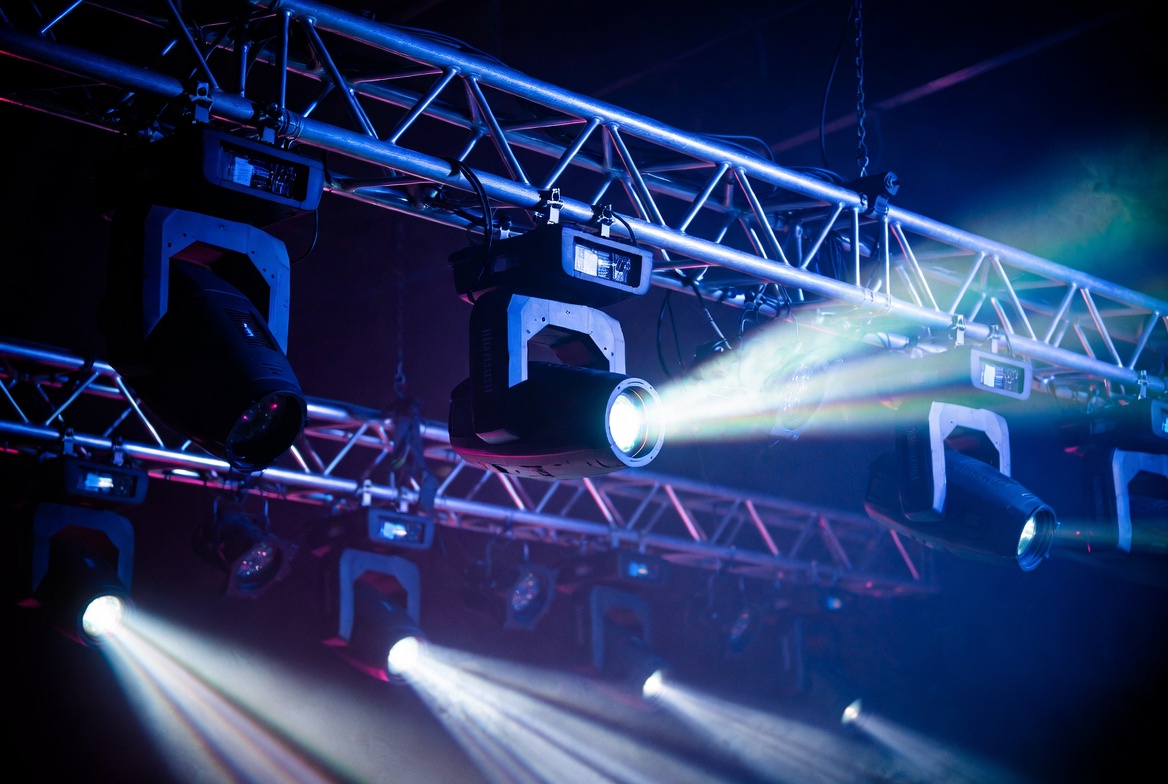
The Quick Answer: Automated moving head fixtures flicker, stutter, or drop calibration because of RS-485 serial data packet corruption. This behavior is rarely an internal mechanical failure of the fixture’s internal stepper motors or driver belts. Instead, data packet degradation occurs when high-frequency digital square waves lose their physical voltage properties due to an un-terminated data loop, high-voltage electromagnetic induction (EMI) crossing the lines, or electrical line loading that exceeds the protocol’s physical transceiver limits.
1. The Physics of Signal Reflection: Why Missing Terminators Corrupt Packets
The DMX512-A protocol sends digital data via a balanced serial framework over an EIA-485 electrical network at a fixed transmission rate of 250 kbps. The data is sent as high-speed electrical pulses—square waves representing binary 1s and 0s.
When these high-frequency voltage pulses travel down a copper wire and suddenly hit an open XLR socket at the end of the final fixture, they encounter an instantaneous change in medium. Because electricity cannot exit into the air, the remaining voltage wave slams into the open terminal pins and bounces backward down the line.
This creates an electrical phenomenon known as a signal reflection or “echo loop.” As the reflected wave travels backward toward the lighting console, it collides directly with incoming, fresh data packets. This collision mutates the pulse shapes, causing the receiving microcontrollers inside your moving heads to read fragmented binary data. A pan or tilt command of 180° (128 in 8-bit DMX value) instantly shifts to an unreadable or extreme value, making the fixture’s head twitch, jump wildly, or reset its orientation mid-show.
The Field Fix (The 120-Ohm Rule): You must place a physical DMX terminator into the female DMX output port of the final fixture in the daisy chain. A proper terminator consists of a 120-Ω, 1/4-watt metal film resistor soldered across Pin 2 (Data -) and Pin 3 (Data +). This resistor acts as an electrical sponge, matching the characteristic impedance of the transmission line and completely absorbing the residual digital voltage wave so it cannot reflect back up the network.
2. High-Voltage Parallel Induction: The Mechanics of Stage EMI
In modern event production, stage data lines must exist alongside massive power distribution systems carrying high-current alternating current (AC) to heavy audio subwoofers, LED video walls, and high-output stage fixtures.
When low-voltage DMX cables are zipped together or packed inside the same heavy rubber cable ramps as these high-voltage power lines, they are exposed to strong, fluctuating magnetic fields. This exposure triggers electromagnetic induction, forcing a 60Hz alternating current hum straight through the shielding of the data line and directly onto the internal copper data core.
Because DMX uses differential signaling (where Pin 2 and Pin 3 carry inverted versions of the same signal), a quality cable can cancel out minor, uniform background noise. However, when exposed to long, parallel runs of high-amperage power, the inductive field easily overpowers the cable’s internal shielding matrix. This alters the low-voltage thresholds (+200 mV to +6 V) that define a stable RS-485 digital signal. The square waves round out, data packets drop, and your moving heads begin to strobe randomly or lose sync with the lighting desk.
The Field Fix (The 12 inches & 90-Degree Rules):
- Physical Separation: You must maintain a minimum physical distance of 12 inches between parallel DMX data lines and AC power trunks.
- The 90-Degree Intersection: If a data line must cross a high-voltage power feeder line, you must route it to cross at a perfect 90-degree angle. This orientation minimizes the surface area where the cables interact, dropping the inductive electromagnetic transfer to near zero.
3. Transceiver Circuit Loading: Exceeding the 32-Device Hardware Threshold
A common point of confusion in stage lighting is the difference between DMX channel capacity and physical hardware load capacity. A single DMX universe contains 512 discrete channels of control data. A modern profile moving head light can easily consume 30 channels of data to manage its pan, tilt, zoom, color flags, and gobo wheels. Mathematically, 17 of these fixtures fill up the 512-channel threshold (17×30=510).
However, the physical RS-485 transceiver chips installed inside each lighting fixture place an electrical load on the data stream, regardless of how many channels they actually read. Under the strict EIA-485 standard, a standard DMX transmitter is built to supply enough voltage to drive a maximum of 32 “unit loads” (fixtures) connected inline.
When you daisy chain more than 32 physical fixtures on a single unamplified wire, the collective electrical resistance pulls down the signaling voltage of the entire network line. The voltage levels degrade below the readable threshold of the transceiver chips, resulting in downstream fixtures losing data tracking entirely.
The Field Fix (Optically Isolated Topologies): When your physical fixture count approaches or exceeds 32 units, you cannot scale up by adding more passive XLR cables. You must introduce an active, optically isolated DMX splitter/distributor directly after your lighting controller. An opto-splitter ingests the weak, incoming DMX data stream, uses internal optocouplers to isolate the input voltage from the output lines completely using light signals, and outputs multiple newly amplified, completely independent 32-fixture branch loops.
4. Technical Diagnostics: Comprehensive DMX Troubleshooting FAQ
Can RDM (Remote Device Management) data packets cause moving heads to flicker?
Yes. RDM uses the exact same Pin 2 and Pin 3 data lines to transmit bidirectional data back to your lighting console. While DMX only talks to fixtures, RDM lets fixtures talk back to report sensor temperatures and address data. If older, legacy lighting fixtures that do not support RDM are mixed into a loop where RDM is active, they will misinterpret the incoming RDM data packets as standard DMX commands. This causes legacy moving heads to jump, flicker, or recalibrate randomly. If you use legacy fixtures, you must disable the RDM setting inside your lighting controller or opto-splitter.
Can I run a clean DMX data stream over standard Cat5e or Cat6 ethernet cables?
Yes, but only if you use proper installation practices. The official ESTA/ANSI standards explicitly permit using Category 5e (Cat5e) or Category 6 (Cat6) twisted-pair data cables for fixed DMX transmission. In fact, Cat5e/6 cables have a characteristic impedance of roughly 100 Ohms, which is close to the 110-Ohm DMX standard, and their tight internal twists provide excellent defense against electromagnetic noise. However, you must use shielded twisted pair (STP) cable to protect against stage interference, and ensure you wire the pins precisely according to the T568B pinning standard to avoid signal dropouts.
How do I isolate which specific fixture or cable is causing my rig to flicker?
To systematically isolate a data failure on a live stage, deploy the “Half-Split” diagnostic method:
- Walk to the physical midpoint of your flickering lighting rig.
- Disconnect the DMX input line from that midpoint fixture and plug a standalone physical DMX controller or wireless tester directly into it.
- If the downstream fixtures continue to flicker, the problem is located in the second half of your rig or the terminal end. If the flickering stops instantly, the corrupted connection, broken cable shield, or failing transceiver chip resides in the first half of your rig.
- Repeat this split process inside the broken section to pinpoint the single bad cable jacket or failing transceiver port in under five minutes.
Blockages in data pipelines kill live events. Protect your show with true industrial-grade equipment. Explore Gig Tuff’s Tour-Grade 110-Ohm DMX Cables—engineered with reinforced strain relief jackets, premium tinned copper braided shielding, and low-capacitance cores to eliminate signal dropouts and maintain rock-solid data pathways under intense stage stress.